
Still running important parts of your business through spreadsheets?
Workbooks hold the knowledge your operation depends on. When one person is on leave, or a formula breaks, the work stops. Workbie moves that information into one live system your whole team can see.
Sort out spreadsheetsThe symptoms you know already.
- Several versions of the same workbook, with no clear master copy
- Important details entered twice: once in a sheet, once in an email or another system
- A report that only one person knows how to produce
- Formulas and macros holding the whole process together
- Decisions get made from a file that was only ever partly updated
- Mistakes are found after the customer, supplier or deadline has moved on
- New staff learn from whoever wrote the sheet, because nothing is written down
Not another tool. A different process.
Find the workbooks that matter
We list every sheet that holds customer, job, stock, rota or financial information, and rank them by how much the business would suffer if it broke.
Turn each sheet into a record
Columns become fields, tabs become linked records, and the person who owns each row is named in the system rather than remembered by one colleague.
Capture it once, at the right moment
Information is entered where the work happens — on a phone, in the office, or as part of an existing step — instead of copied later.
Report from the live records
The summary is built from the same records your team updates, so nobody rebuilds a report from scratch each week.
One job, start to finish.
Screens show the Workbie demo system with dummy data in an example configuration. Outcomes describe how the process changes, not measured customer results.
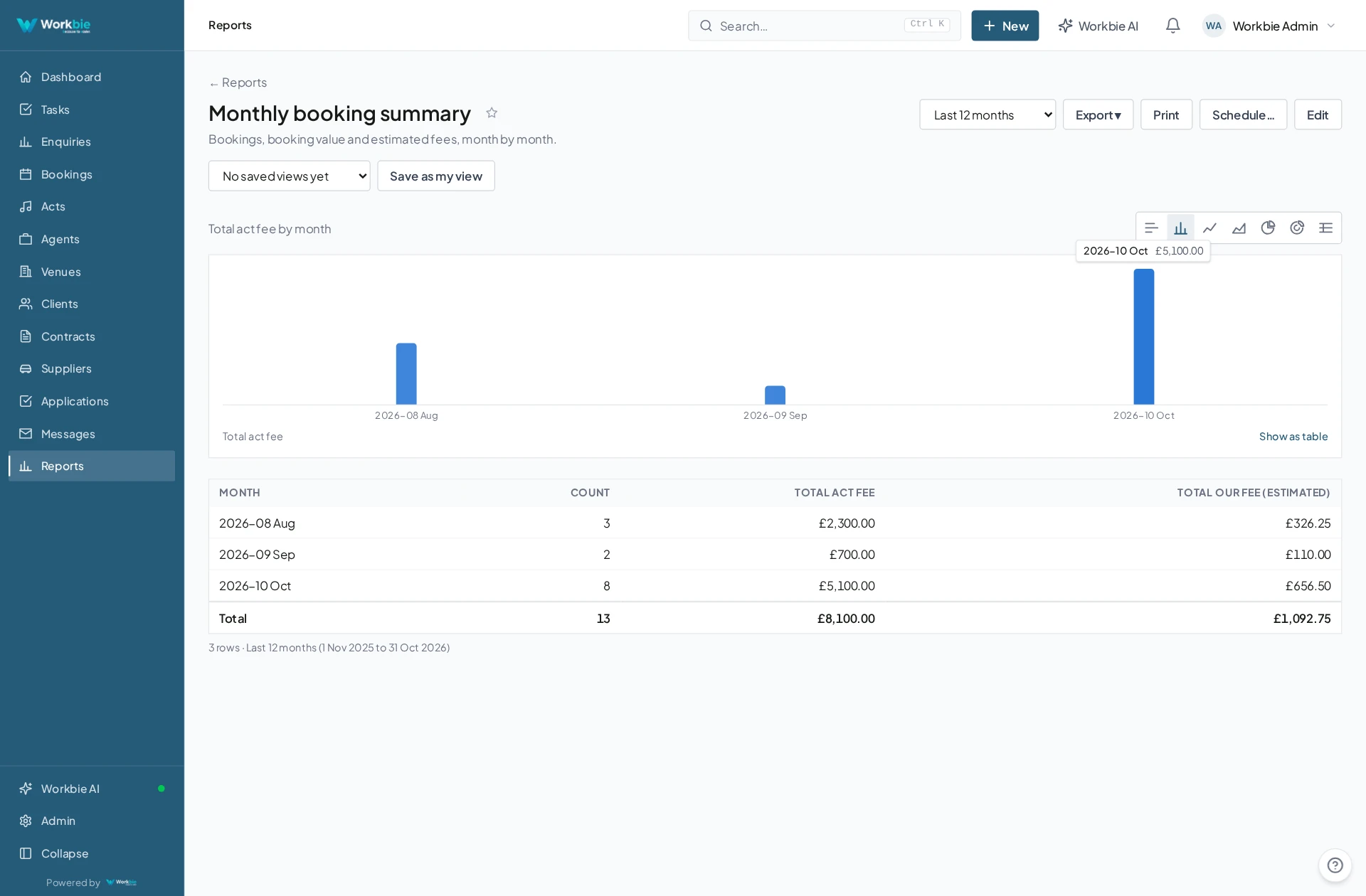
- A job, order or request is created in one place
- The details your spreadsheets used to hold are captured as structured fields
- Progress updates come from the people doing the work
- Costs, documents and messages attach to the same record
- Reporting reads those records directly, with no re-keying
In the office. Out in the field.
The same connected picture.
Your team’s work does not stop at a desk. Bring the relevant records, schedules and work details with you — on site, between visits or at a customer’s premises.
- See the work and appointments that matter to you
- Find linked dates, locations and contact details
- Keep office and mobile teams working from the same system
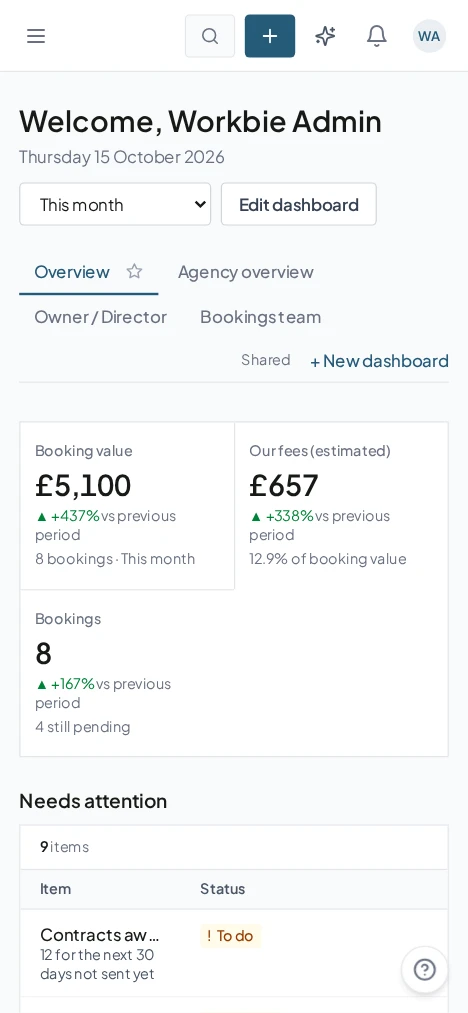
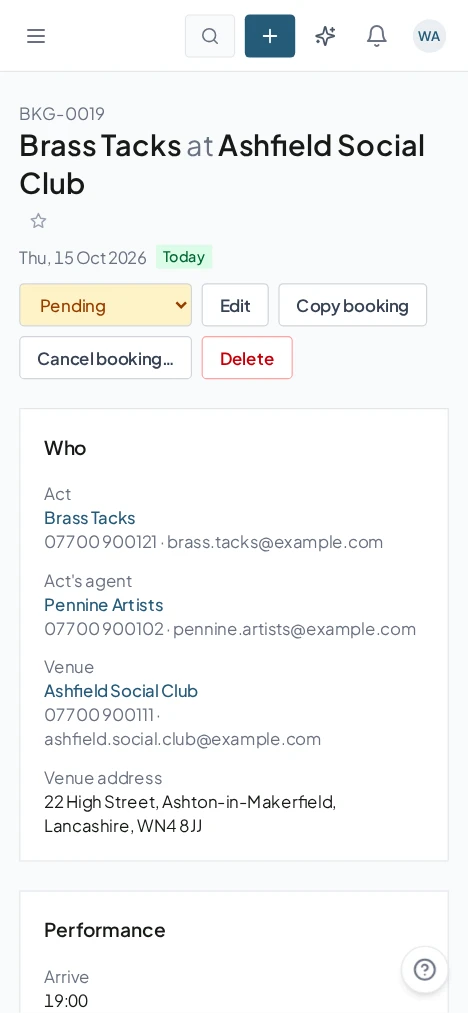
Captured from the Workbie demo system · dummy agency data, not customer results. Menus and workflows vary by configuration.
The practical difference.
- One place to look, instead of searching for the right file
- Information entered once and reused where it is needed
- Changes are visible the moment they are made
- New starters can see how the process works without asking
Where this gets built.
Before you ask us about it.
Can our existing spreadsheets be brought across?
Usually yes. We review the columns and tabs you rely on during the workflow audit, then agree which become records, which become forms, and which are simply retired.
Do we have to stop using Excel on day one?
No. Many businesses keep a sheet for a while alongside the new system. We only move a workbook once the replacement is being used properly by the people who own it.
Let’s untangle your workflow.
Tell us what’s slowing you down. We’ll help you find the right starting point.