
Making decisions without the full picture?
The information exists, but it is split across inboxes, workbooks, an accounts package and someone's memory. By the time the picture is assembled, the moment has passed.
Sort out visibilityThe symptoms you know already.
- Reports produced after the event, from data assembled by hand
- No clear answer on which jobs are profitable or slipping
- Stock, resource or capacity guessed rather than known
- The same question asked again in every weekly meeting
- Margin leaks quietly on jobs nobody was watching
- Problems are found when they become customer issues
- Planning is based on last month's understanding
Not another tool. A different process.
Agree what you actually need to know
We start from the decisions you make weekly, not from a list of reports, and work backwards to the data each one needs.
Connect the sources
Jobs, people, documents, accounts and calendars are linked so the same question has one answer.
Build views around your priorities
Dashboards show what is late, what is stuck, what is unprofitable and what needs a decision now.
Ask in plain English
Workbie AI answers questions across your connected records, with the underlying records available to check.
One job, start to finish.
Screens show the Workbie demo system with dummy data in an example configuration. Outcomes describe how the process changes, not measured customer results.
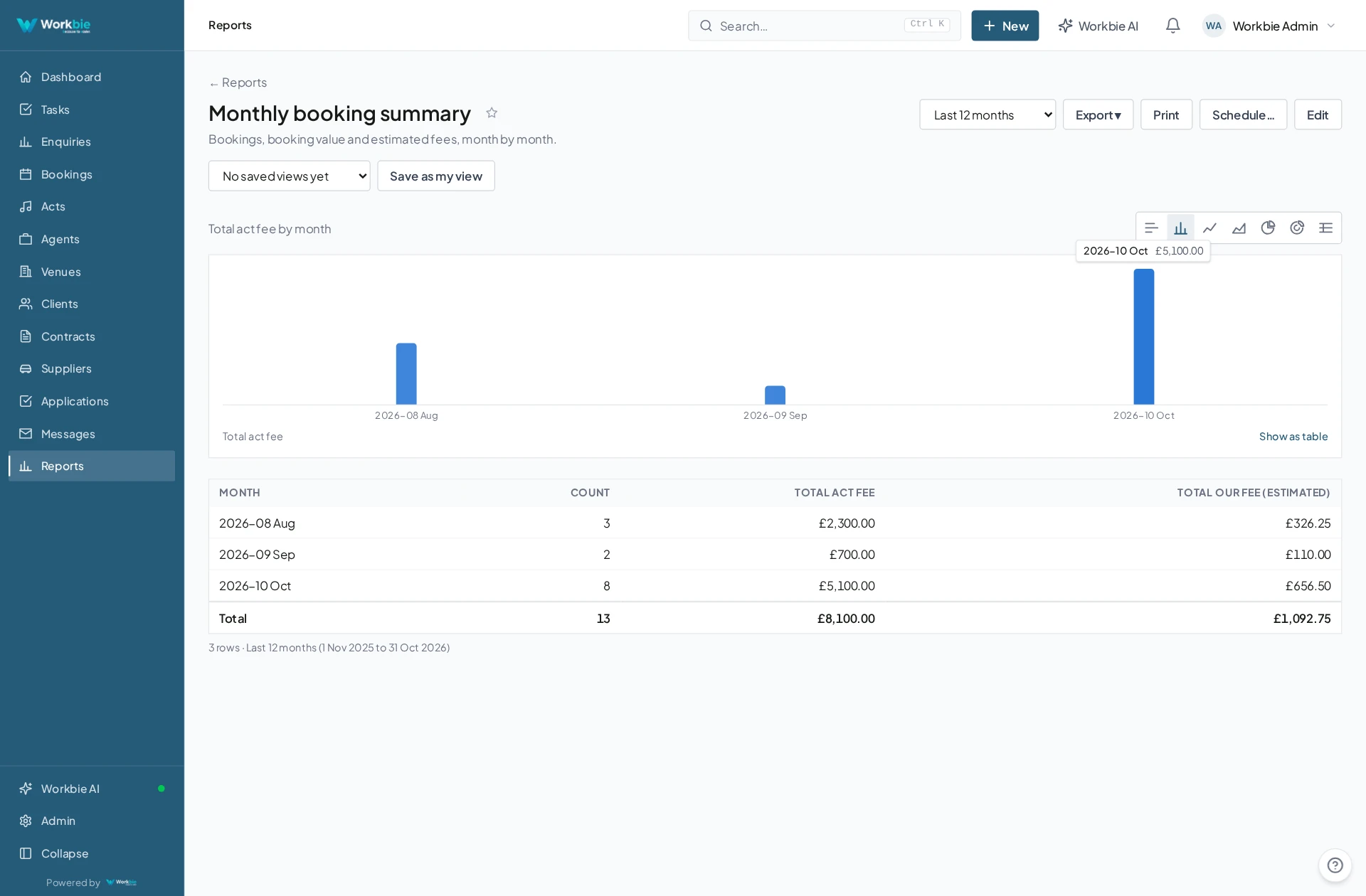
- Operational records are updated as work happens
- Finance and calendar information is connected to the same jobs
- A dashboard shows progress, exceptions and ageing items
- Questions are asked in plain English and answered from those records
- The same view is used in the office, on site and on a phone
In the office. Out in the field.
The same connected picture.
Your team’s work does not stop at a desk. Bring the relevant records, schedules and work details with you — on site, between visits or at a customer’s premises.
- See the work and appointments that matter to you
- Find linked dates, locations and contact details
- Keep office and mobile teams working from the same system
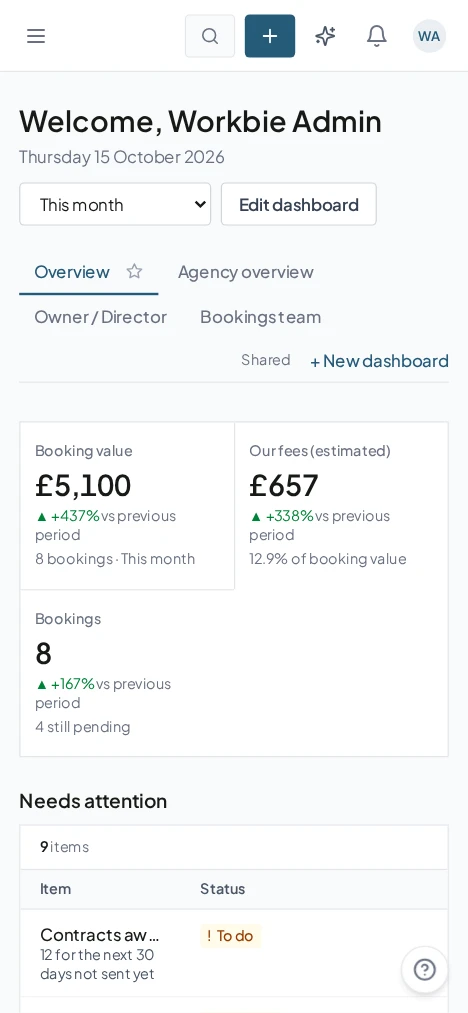
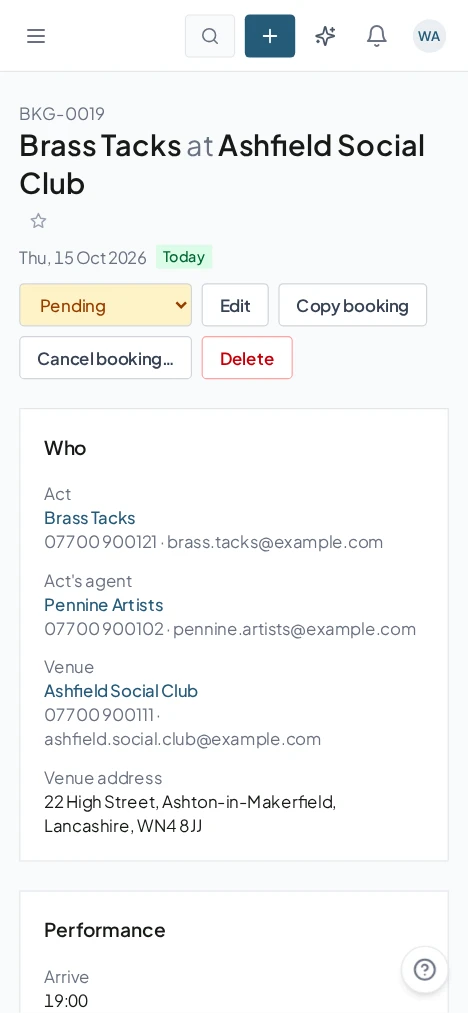
Captured from the Workbie demo system · dummy agency data, not customer results. Menus and workflows vary by configuration.
The practical difference.
- One shared picture instead of several opinions
- Problems spotted while there is still time to act
- Meetings spend less time re-establishing the facts
- Finance and operations finally use the same numbers
Where this gets built.
Before you ask us about it.
Do we need a data expert to keep it working?
No. The views are configured for your business during setup, and your team keeps working in the same screens, so the reporting stays current without a specialist maintaining it.
Can it pull from our accounts package?
In most cases yes. Sage, Xero and QuickBooks can be connected so finance information sits alongside your jobs; other packages are reviewed during the audit.
Let’s untangle your workflow.
Tell us what’s slowing you down. We’ll help you find the right starting point.